WiFi File Transfer - IPMSG
WiFi File Transfer - IPMSG is a free app developed by coderplus. It allows users to transfer messages, files, and folders to other IPMSG devices on the same local WiFi network. With this app, users no longer need wires to transfer music or videos across their devices.
The app offers several features including the ability to send or receive multiple files/folders to other IPMSG devices on the same WiFi network. It also supports encrypted messages for devices running Gingerbread and up. Additionally, the app detects other IPMSG devices on the WiFi network, making it easy to connect and transfer files. It can run as a background service and shows file transfer progress in the notification bar.
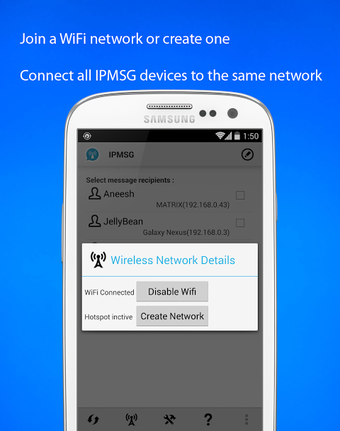
One notable feature of WiFi File Transfer - IPMSG is its ability to transfer files between phones at higher speeds than Bluetooth. Users simply need to create an AdHoc Network on one phone and connect to it from the other.
To use this app, it is important that your phone and other IPMSG devices (phones, computers, or tablets) are on the same local area network. IPMSG uses port 2425 for TCP and UDP communication, so it is essential that this port is not already in use by another application. For any issues or bug reports, users are encouraged to consult the IPMSG tutorial on the coderplus website.
WiFi File Transfer - IPMSG is a free app without any ads or annoying messages. The developer appreciates 5-star ratings and welcomes users who are interested in translating the app into their language to contact them directly.